Capture what is on your screen
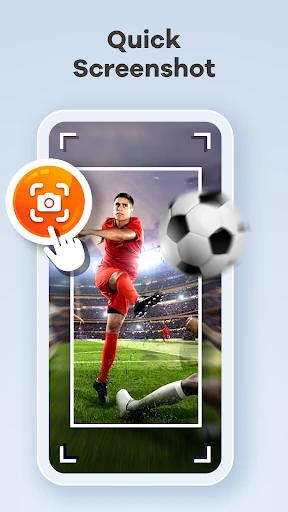
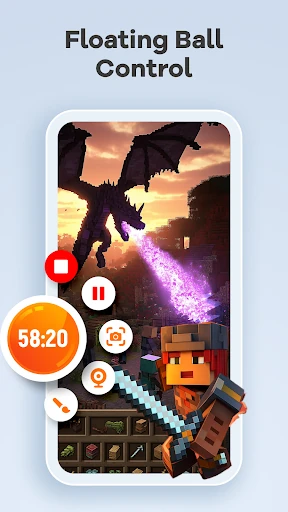
Screen Recorder Video Recorder records Android screen activity, with controls for starting, pausing and taking screenshots from a floating on-screen control. It suits people who regularly make gameplay clips, walkthroughs or demonstrations and want basic editing in the same app. The floating control keeps recording actions close without making them the main task on screen.
Recording choices
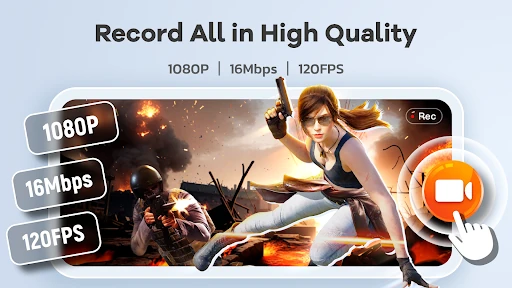
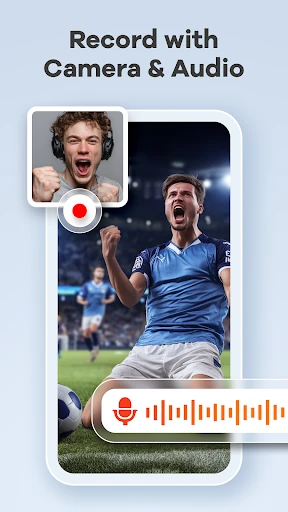
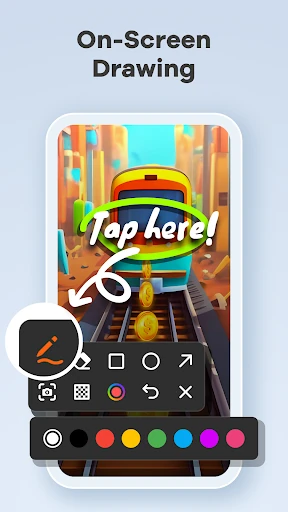
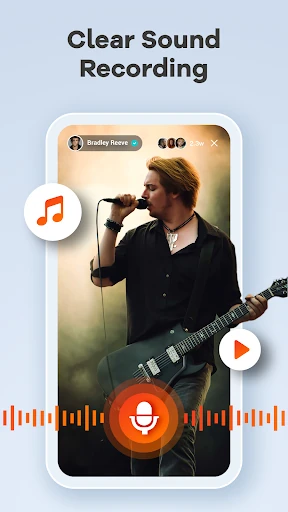
The listed options go beyond a simple screen capture. You can record at up to 1080p, 120 frames per second and a 16Mbps bitrate, and capture system audio alongside microphone input. A facecam overlay and a drawing tool let you add your face or mark parts of the screen while recording. Those extras are useful when a silent, untouched clip would be hard to follow, though they are not necessary for every recording.
After the recording
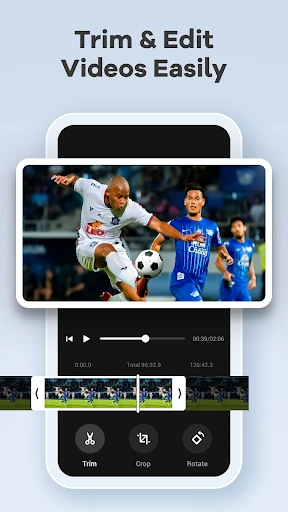
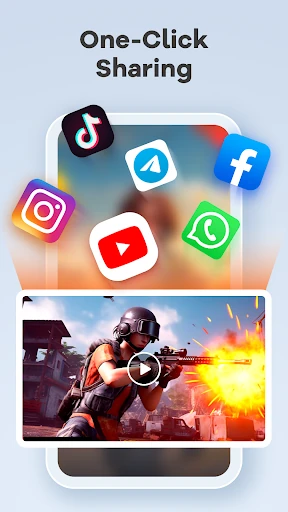
A built-in editor handles trimming, cropping and rotation, and the app can convert video to GIF. The reference information also notes no watermark on exported videos and no recording time limit. That makes it practical for longer captures or clips meant to be shared, while the editing tools cover straightforward adjustments rather than replacing a full video editor.
What to expect from regular use
With a 4.4 rating from about 649,000 reviews and more than 50 million installs, it has a large audience for a screen recorder. Those figures do not guarantee that every recording setup will suit every phone, but they suggest this is an established utility rather than a one-off novelty. It is published by Video Player & Cast to TV. If you only need an occasional screenshot, its video and editing options may be more than you need; for repeated screen captures, keeping controls and simple edits together can save a few steps.