A home screen for Galaxy routines
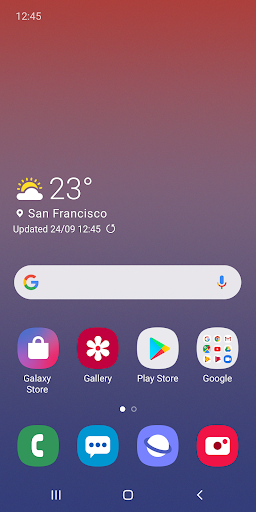
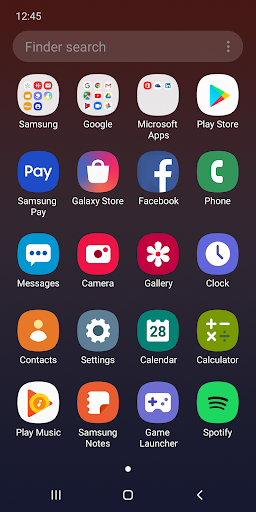
Samsung One UI Home is the launcher that arranges a Galaxy device’s home screen and apps screen. It suits people who want to keep their everyday apps, widgets and shortcuts organized in one place, then return to that layout whenever they unlock the phone. The small interactions matter here: moving an icon, opening an app’s information, or reaching a widget setting are things users may repeat throughout the day.
Small controls for a screen you revisit
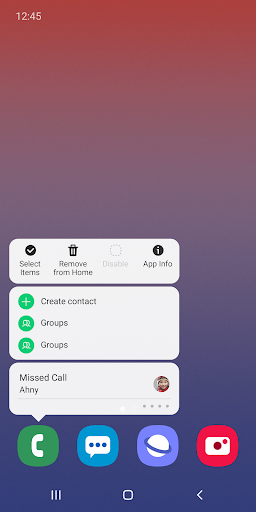
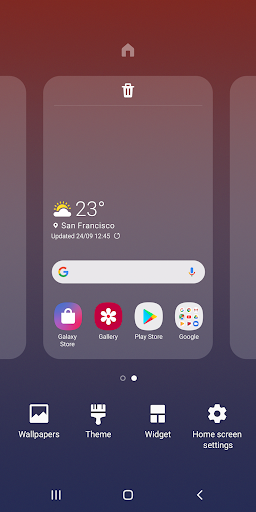
On Android 9.0 Pie or later, supported devices can use full-screen gestures from the home screen, hiding the navigation buttons and switching between apps with gestures. There is also an option to lock the home screen layout after arranging it, which helps prevent icons from being shifted or pages added by accident. Touching and holding an app icon or widget can provide a shortcut to app information or widget settings. Availability varies by device and software version, so these controls may not look the same on every Galaxy phone.
Useful when your layout is settled
One UI Home is most relevant to people who rely on a familiar arrangement day after day. The layout lock is a practical safeguard for anyone who has already put frequently used apps where they want them; gesture navigation can make more room on screen for users who prefer it. If you often change launchers or rearrange pages, those benefits may matter less. This is a home-screen utility, not a separate destination for reminders or messages: its daily role is to make the phone’s apps and widgets easier to reach.
Scale and user response
Samsung Electronics Co., Ltd. is the developer. The listing shows more than 1 billion installs and a 3.6 rating from about 347,000 reviews, suggesting very broad use alongside mixed user feedback. The service has no required permissions listed; optional storage and contacts access are used to restore home-screen layout data and contact-widget information. For a feature that sits at the center of a phone’s daily routine, device and software compatibility are worth checking before relying on a particular gesture or setting.