Work access, when your employer requires it
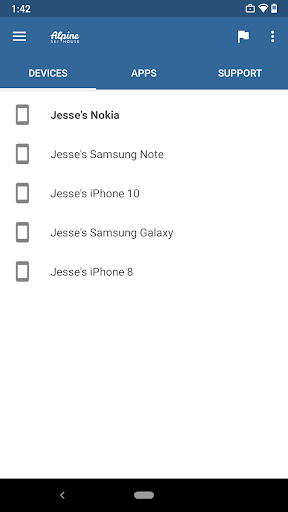
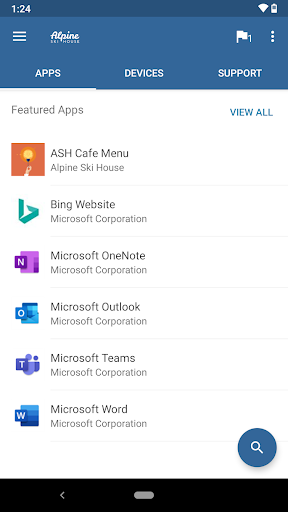
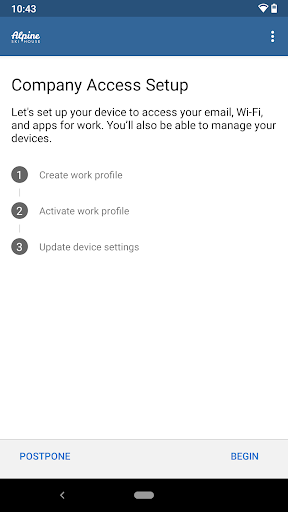
Intune Company Portal is a work-access app for Android. It lets employees enroll a device for company resources, browse and install work apps, and see which devices are enrolled. It suits people whose organization already uses Microsoft Intune—not someone looking for a general app store or a way to set up work access independently. Your employer’s IT administrator must configure your account before you can use it.
A practical tool, not a daily destination
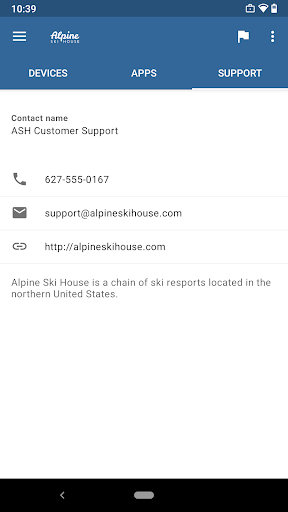
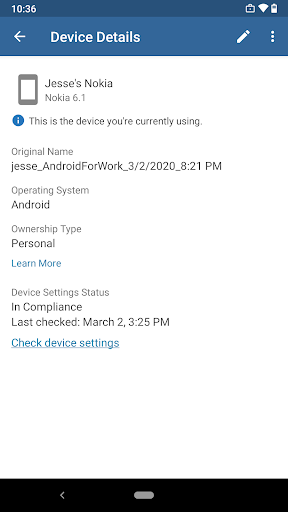
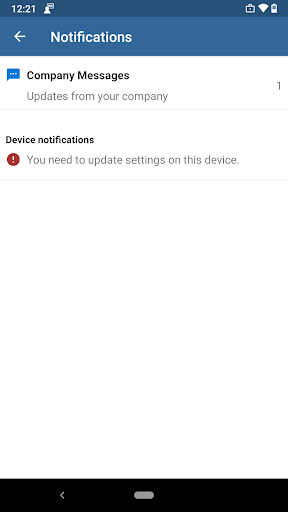
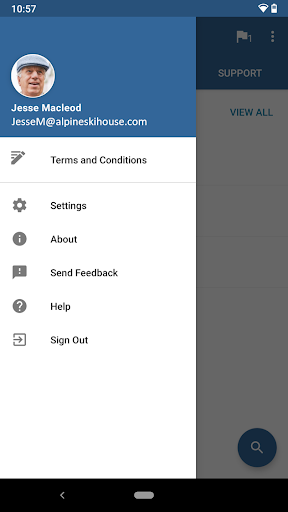
The Portal is likely to matter most when you first connect a device, need a company app, or have to check your enrollment. It also provides IT contact information and lets you change your work account password. If those needs are occasional, the app may sit untouched between them; its value is in being available when company access needs attention, rather than in giving you a reason to browse every day.
Know what enrollment puts in scope
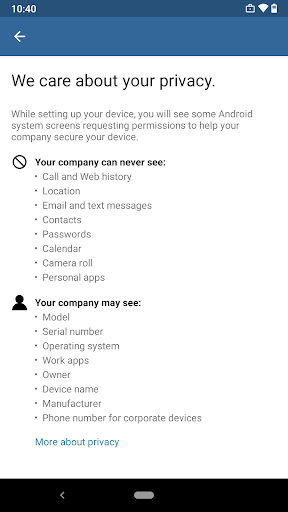
The app includes options to unenroll a device or remotely wipe it. Those are significant controls, so it is worth understanding your organization’s device rules before enrolling or changing enrollment. Questions about permitted use, privacy, or a problem with access belong with your IT department; the app’s guidance specifically directs users to their administrator for those matters. Unenrollment may also be required before removing the Portal from a managed device.
Scale and user signal
Microsoft Corporation publishes the Business app, which has more than 50 million installs and 188,904 ratings. Its average rating is 2.56 out of 5, a notably low score for a widely used workplace tool. That figure does not explain individual complaints, but it is a reminder that the experience can be frustrating for some users. In practice, much depends on your employer’s setup: the Portal is a doorway to company-managed access, not a service that works on its own.