Put a checkpoint between people and your apps
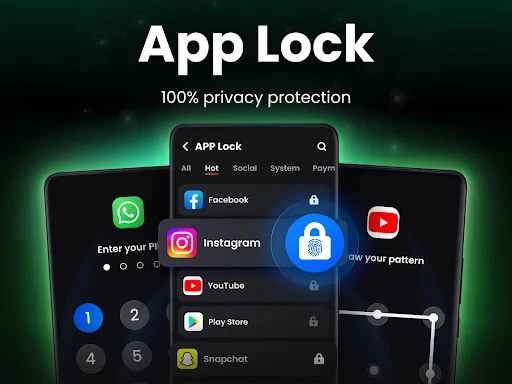
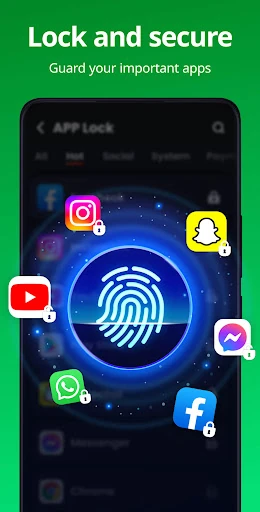
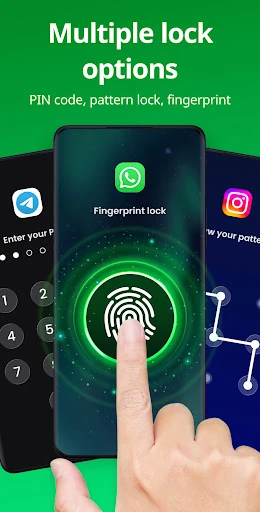
App Lock - Applock Fingerprint, from Trusted Tools, lets you protect selected apps with a PIN, pattern or fingerprint. It suits people who regularly hand over their phone, share a device at home, or want an extra prompt before someone opens messages, photos or payment apps. The protection is app by app, so choosing what to lock is part of setting it up.
What daily use looks like
The main routine is simple: open a protected app, then unlock it before continuing. Settings let you choose when apps lock again, including after you leave an app or turn off the screen, or after a custom interval. That timing matters. A short interval can mean more unlocks during the day; a longer one is less interruptive but leaves a wider window before the lock returns.
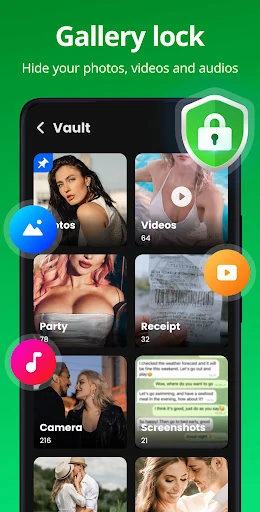
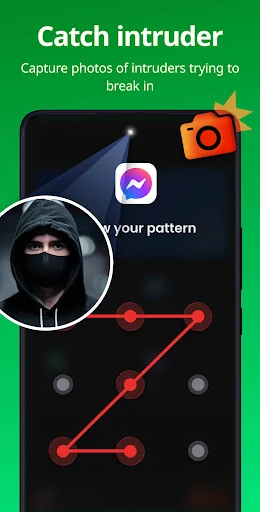
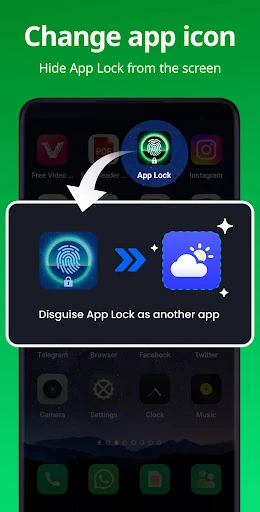
The app also offers a vault for hiding photos and videos, and can take a photo after an incorrect password attempt. Other options include disguising its icon, protecting against uninstalling, and locking newly installed apps. These are extra controls rather than a substitute for deciding which apps and files need protection.
Consider the permissions and the friction
Hiding files requires All Files Access, a broad permission worth weighing against how often you will use the vault. The app also needs to stay available to enforce its locks, so check that its relock behavior fits your habits. A recovery email can help if you forget your password. Fingerprint access may make repeat checks quicker, while a PIN or pattern provides another way to unlock.
A widely used utility, with a clear trade-off
With a 4.69 rating from about 607,000 reviews and more than 100 million installs, App Lock has a substantial user base. Its value is practical: it adds a small pause before opening chosen apps and a few tools for private files. Whether that pause feels reassuring or tiresome will depend on how many apps you lock and how often you move between them.